
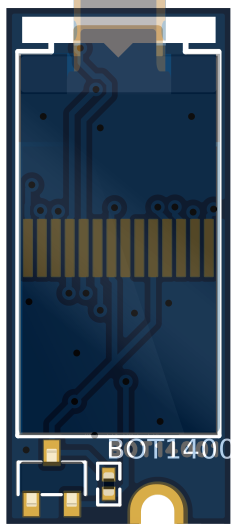
BOT14001 OLED module Quick Start Guide
Prerequisites
Hardware Requirements
- BOT14001 OLED module - The main display module
- WisBlock Base - Power and connectivity platform
- WisBlock Core - Any core module
- USB Cable - For programming and power
Optional Components
- Small knife or soldering iron - For JP1 modification (if needed)
Power Management
The BOT14001 requires proper power rail control for reliable operation:
void setup() {
  // CRITICAL: Enable 3V3_S power rail FIRST
  pinMode(WB_IO2, OUTPUT);
  digitalWrite(WB_IO2, HIGH);
  delay(200); // Allow power stabilization

  // Now safe to initialize I2C and display
  Wire.begin();
  if(!display.begin(SSD1306_SWITCHCAPVCC, 0x3C)) {
    Serial.println("Display init failed!");
  }
}
Critical Power Control
WB_IO2 must be set HIGH before display initialization!
- Control the 3V3_S rail that powers the BOT14001
- Allow 200ms minimum for power stabilization
- Keep WB_IO2 HIGH throughout operation
Hardware Setup
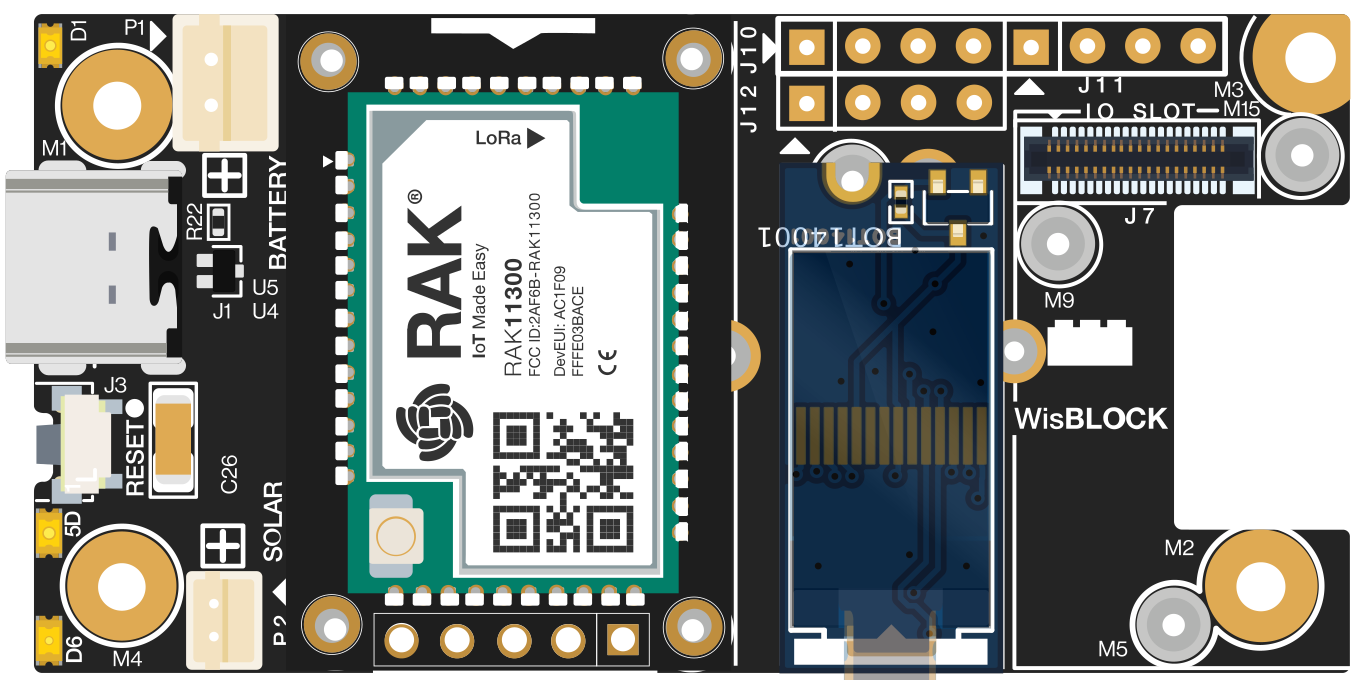
Configuration Option 1: Display Only
Software Setup
I2C Scanner Test
Upload this code to verify the display is detected:
#include <Wire.h>

void setup() {
  // Enable power first
  pinMode(WB_IO2, OUTPUT);
  digitalWrite(WB_IO2, HIGH);
  delay(200);

  Serial.begin(115200);
  Wire.begin();

  Serial.println("I2C Scanner");

  for(byte addr = 1; addr < 127; addr++) {
    Wire.beginTransmission(addr);
    if(Wire.endTransmission() == 0) {
      Serial.print("Device found at 0x");
      Serial.println(addr, HEX);
    }
  }
}

void loop() {}
Expected output: Device found at 0x3C
Examples
There is only one very basic example on GitHub:
There is no library available for the CH1115, if you make one let me know and i will update the examples.
Troubleshooting
Display Not Working
- Check power sequence: WB_IO2 must be HIGH before display.begin()
- Run I2C scanner: Should detect device at 0x3C
I2C Issues with Multiple Devices
Consider opening JP1 solder bridge (back of module) if using 3+ I2C devices on the same bus.